
hi guys and welcome to yet another article in this article I will show you how to
transfer data from Android to iPhone in
2020 this video is the official way
Apple recommends to transfer your data
from Android to iPhone we will help you
transfer contacts message history camera
photos and videos web bookmarks mail
accounts calendars and free apps the
first step is to reset your iPhone if
you don't want to reset your iPhone then
you will have to transfer the data
manually okay you
can go into settings general and scroll
down to reset once you are there tap on
arrays content in settings next tap
arrays iPhone this foot to lay all media
and data so do a backup first if you
need to 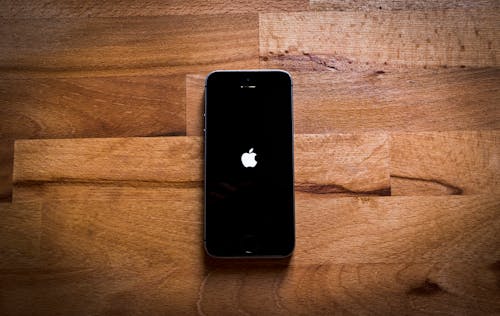
once your iPhone has reset
itself just follow the prompts and start
setting it up again next up connect to
your Wi-Fi and make sure that your
Android device is connected to the same
Wi-Fi continue setting up your iPhone
until you get to the absent data screen
[Music]
once you're on the apps and data screen
tap move data from Android before you
hit continue go to your Android
phone
and download the move to iOS app from
the Google Play Store move to iOS I've
already downloaded it therefore I'm
going to press open tap continue
agree and then next tap continue on your
iPhone and on your Android device type
in the code that you see on your iPhone
if you get the error message could not
communicate with the device I have
already done a video on how to fix this
and I will put a link in the top of the
video now ok great you're on the
transferred data stream just deselect
anything you don't want to transfer and
press next cool well your data is
transferred now tap Done on your android
phone and you can close the app on your
iPhone tap continue setting up iPhone go
ahead and setup your iPhone
[Music]
awesome the last step here is to install
your free apps to do this you will need
your Apple ID just
tap add apps and then
tap use existing Apple ID and your
iPhone will download all the free apps
for you if you swipe across you should
see all your apps start to appear you
can also check if your photos messages
and videos copied across
also guys don't forget to check out my
other videos like fix could not
communicate with a device error and do
me a favor hit the subscribe button and
smash the bell icon
[Music]




No comments:
Post a Comment